Article Overview
The following article describes EasySign's Templates.
Templates
(See Figure 1 to Figure 3)
After clicking the Templates option, the Templates screen appears.
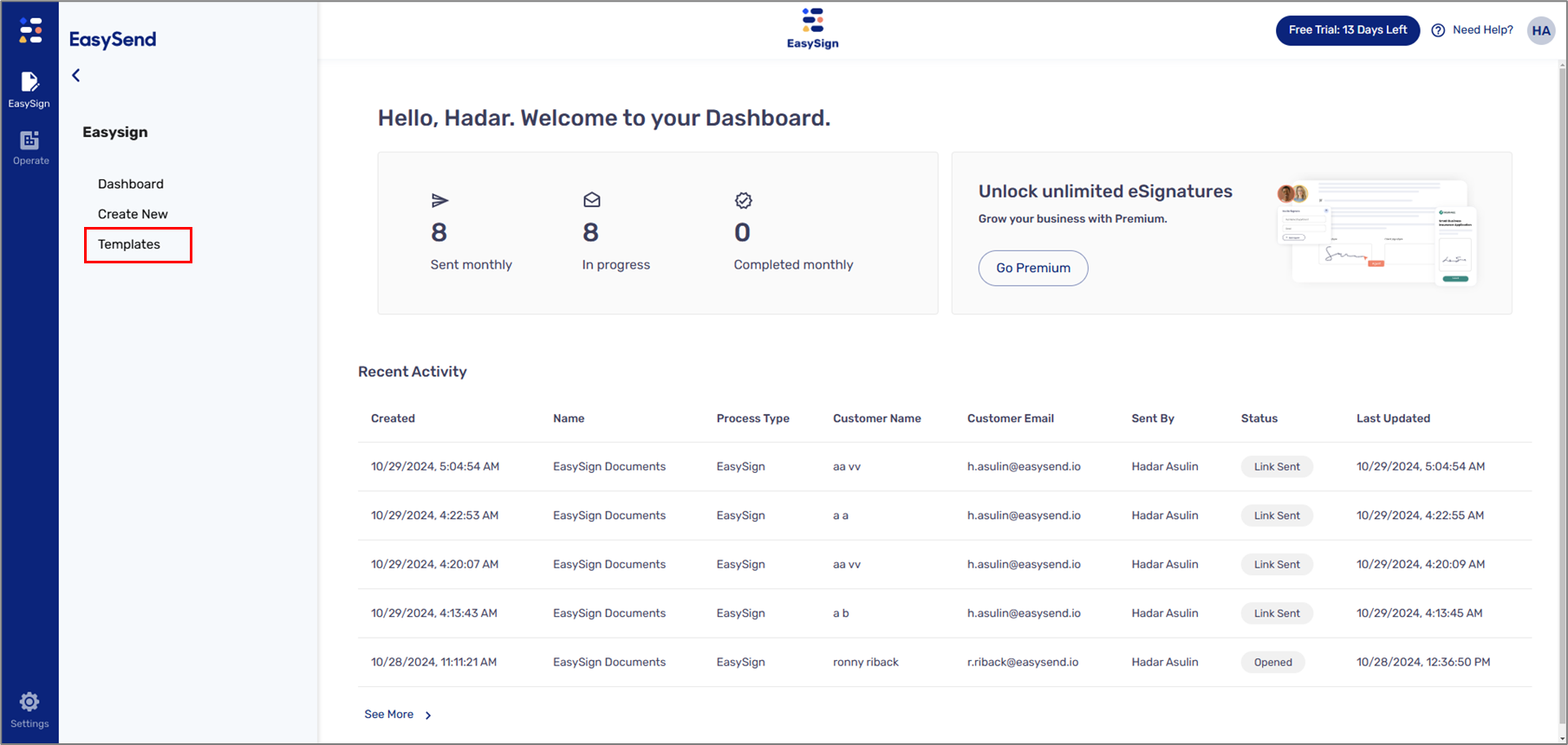
Figure 1: Templates Option
If no templates were previously created, the screen appears with two Create new template buttons (1).
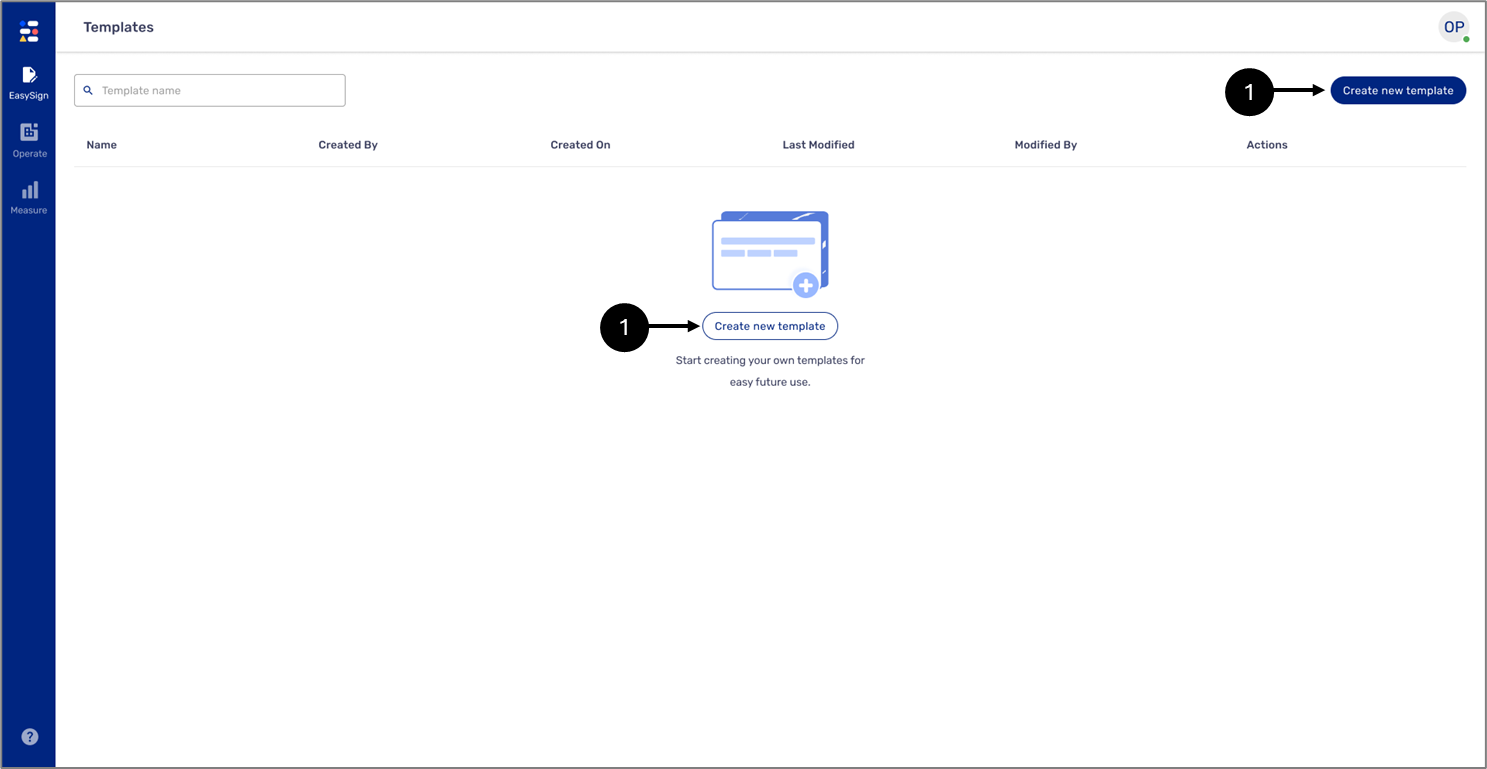
Figure 2: Create new template Button
NOTE
For additional information about creating a new template, click here.
If templates were previously created, they will appear in a list with the following information (3):
- Name
- Created By
- Created On
- Last Modified
- Modified By
Additional actions can be performed on each template (4):
- Use - for creating a new eSignature request with the template
NOTE
For additional information about using a template, click here.
- Edit
NOTE
For additional information about editing a template, click here.
- Delete
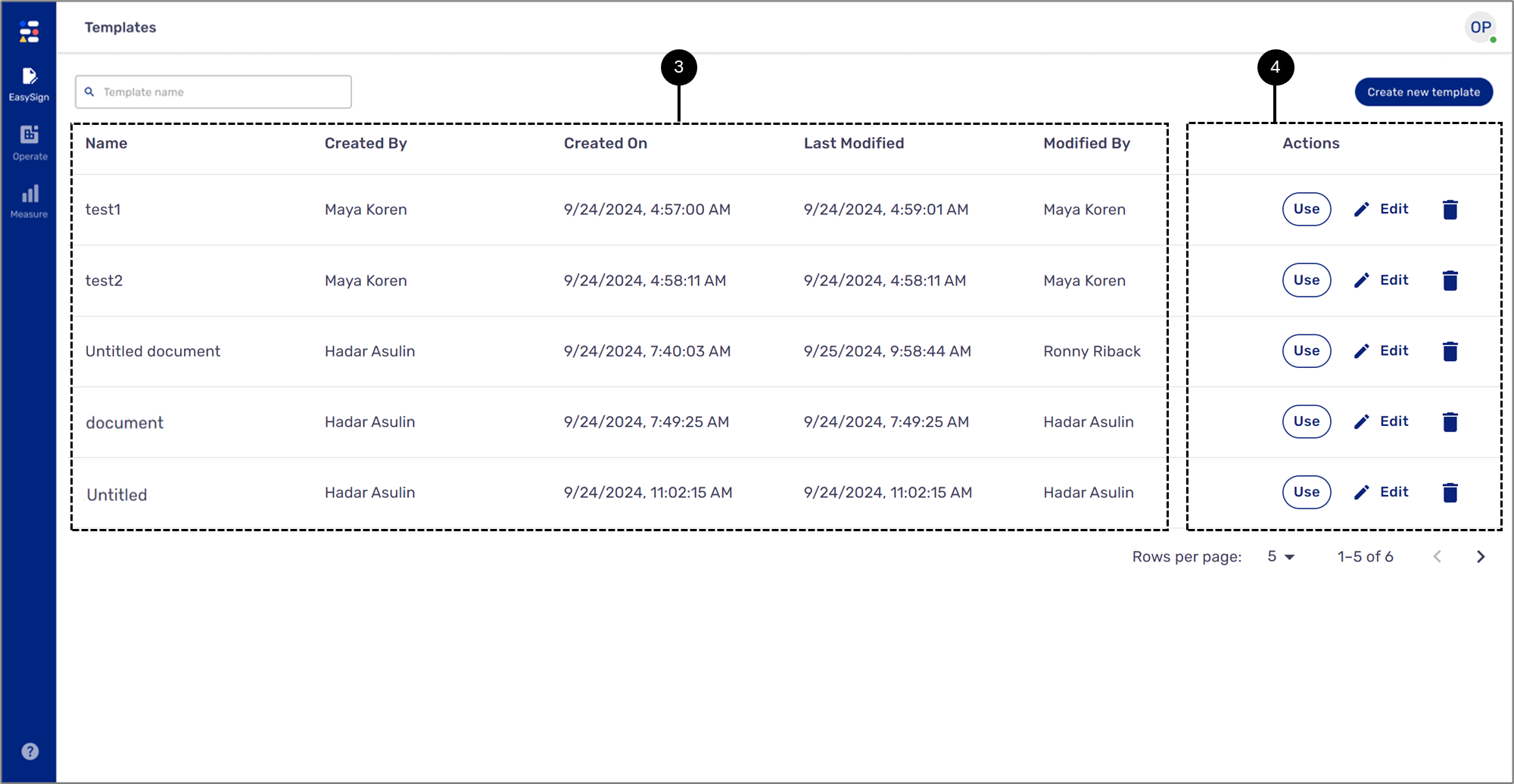
Figure 3: Existing Templates