Validation Message Overview
The Validation Message component displays an error message in case a validation was triggered. This component can be placed anywhere in the Webflow and it is not attached to another component but to a data item.
The Properties section of this component contains only one filed that is used to connect it to the Model:
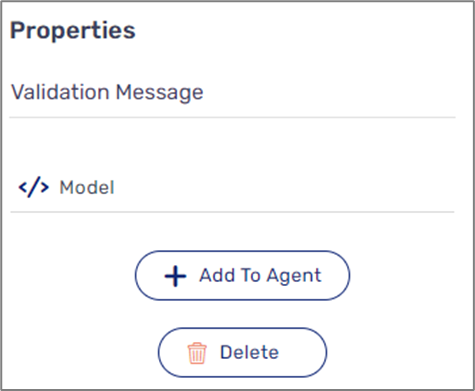
Figure 1: Validation Message Properties Section
How to use the Validation Message component
(See Figure 2 and Figure 3)
To use the component, we will navigate to the Model screen and access the Validation Bank by clicking the collapse button (1). Once the Validation Bank appears we will click the + Add button (2):
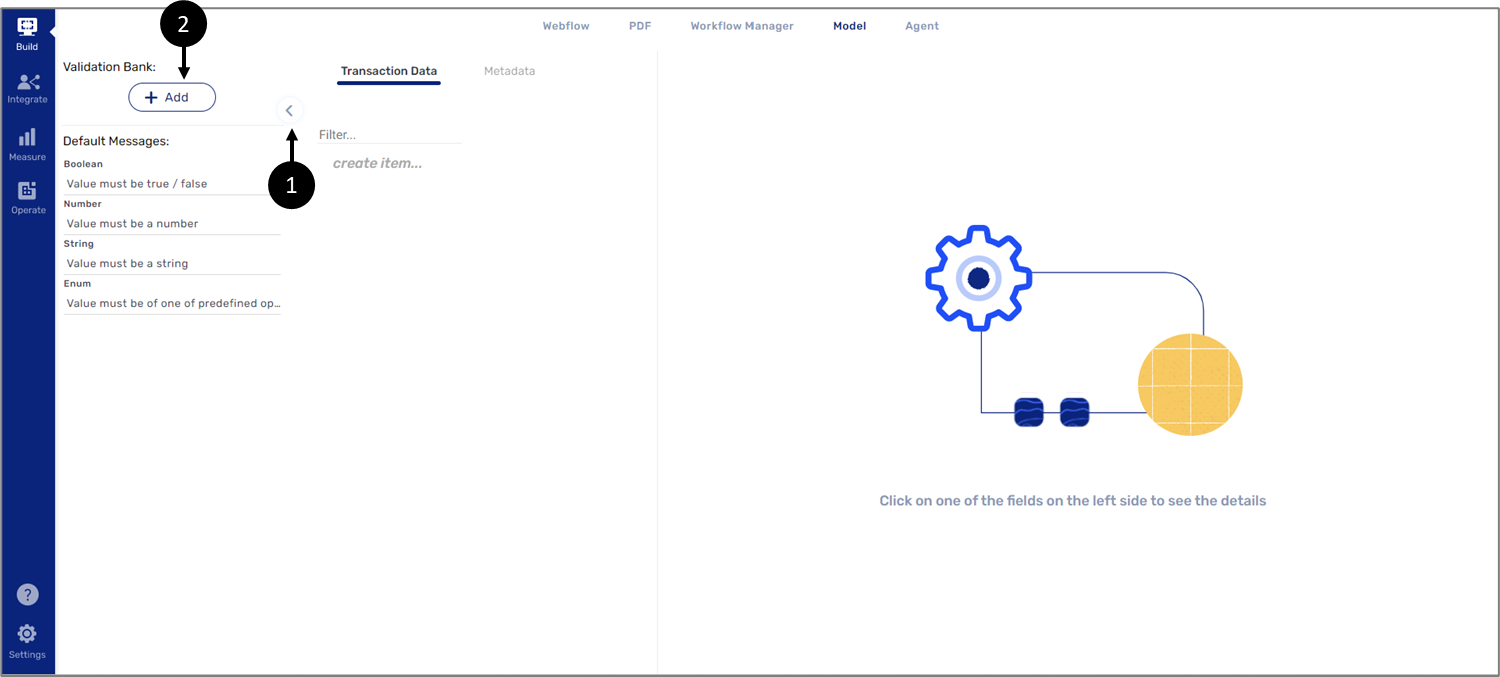
Figure 2: Validation Bank
The next step will be to edit the validation by writing the message that will appear, entering different parameters, and implementing code. The code will contain the data items that we need to validate and the data item connected to the Validation Message component, for example:
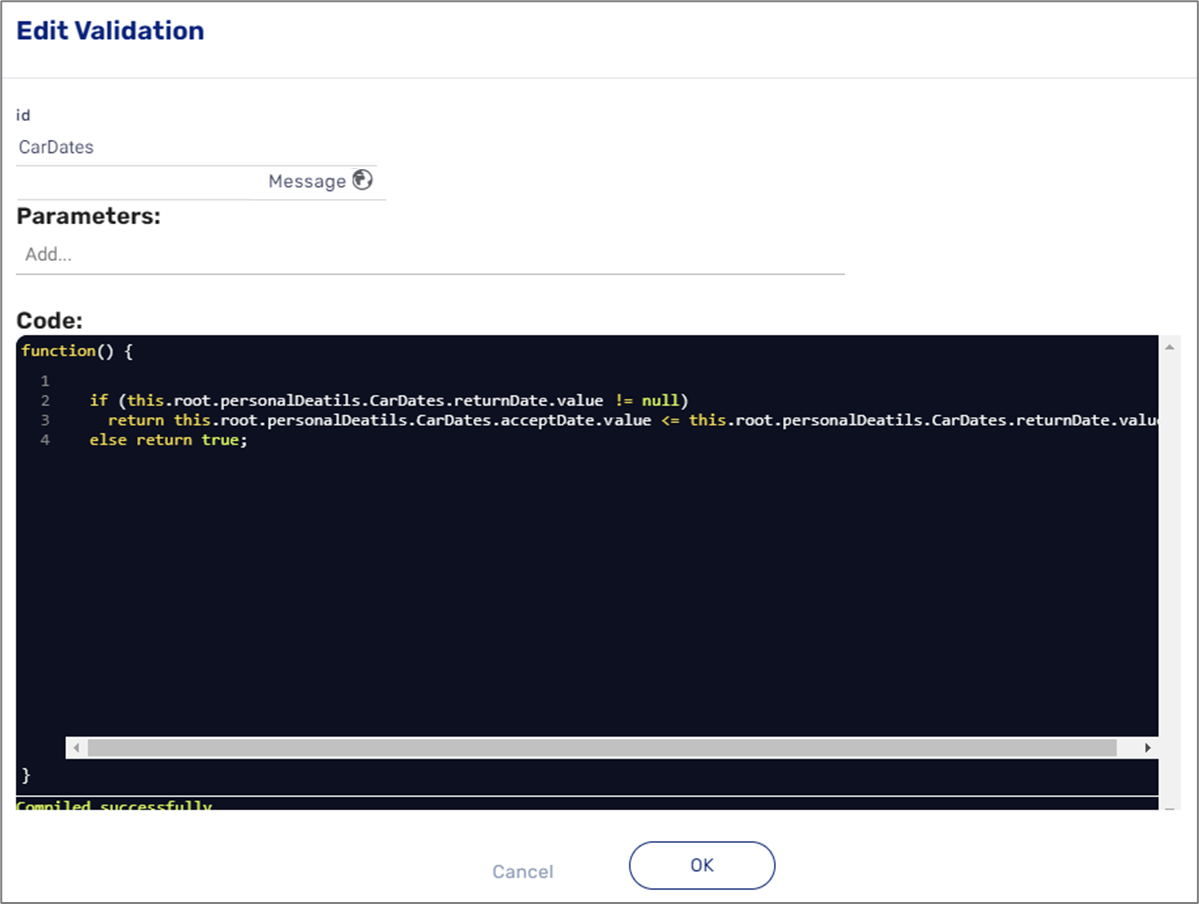
Figure 3: Edit Validation