Article Overview
The following article describes the Design properties of the Text component.
Viewing Design Properties
(See Figure 1)
To view the design properties of the Text component, perform one of the following:
- Drag and drop it onto its desired location in the canvas and click it.
- If the component is already added to the canvas, locate and click it.
- If the component is already added to the canvas, locate and click it using the Navigator.
The Design properties will appear in the right section under the Design tab.
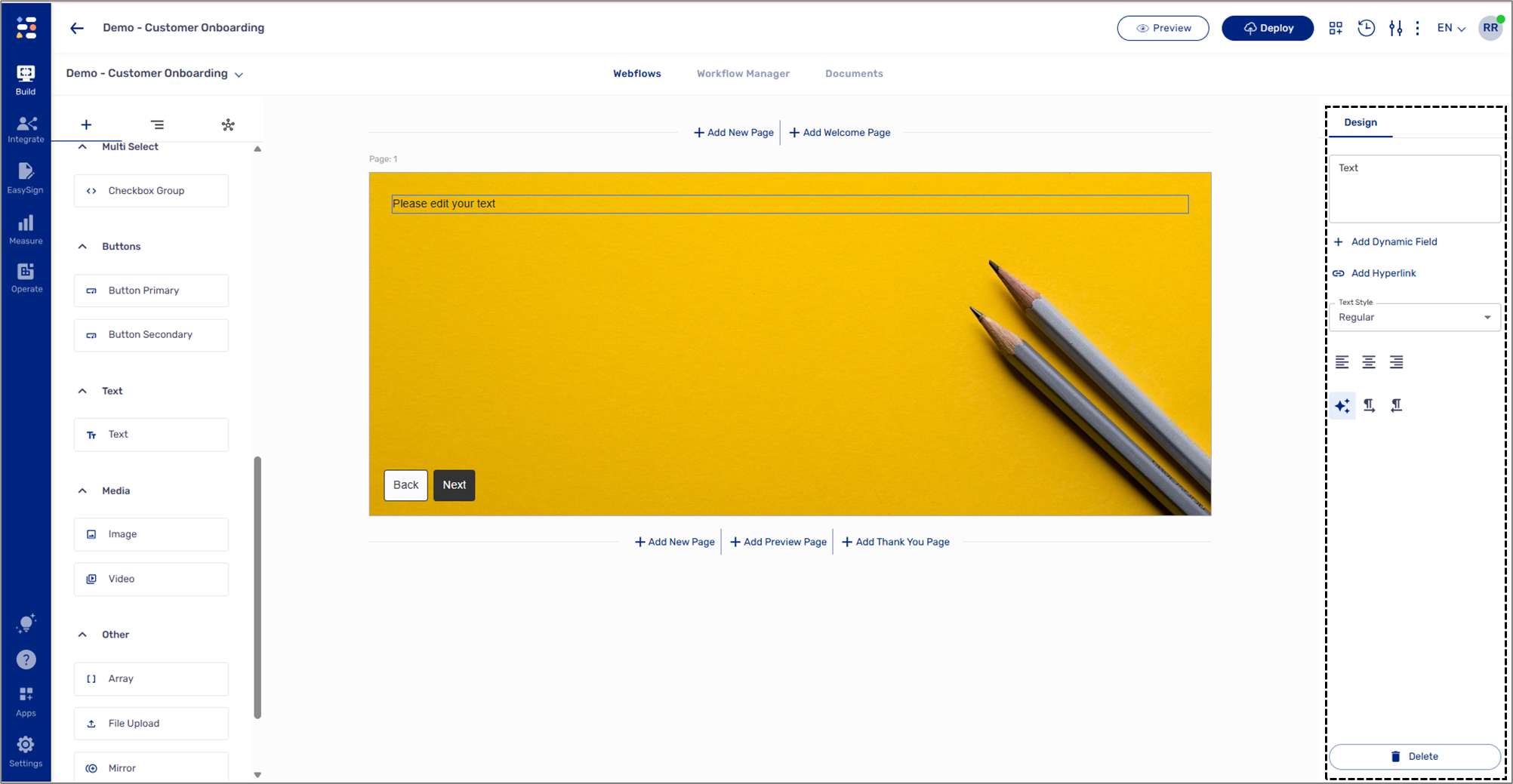
Figure 1: Design Properties
Text Design Properties
(See Figure 2)
The Text component has the following Design properties:
- Text - enables you to write the text that will be visible to end-users when interacting with the digital process.
- + Add Dynamic Field - enables you to add data items or metadata items to the text (see Figure 3).
- Add Hyperlink - enables you to add URL links (see Figure 4).
- Text Style:
- h1
- h2
- h3
- h4
- h5
- regular
- error
- label
- supportingtext
- Text alignment:
- Left
- Center
- Right
- Text direction
- Left to right
- Right to left
- Delete - removes the component from the canvas.
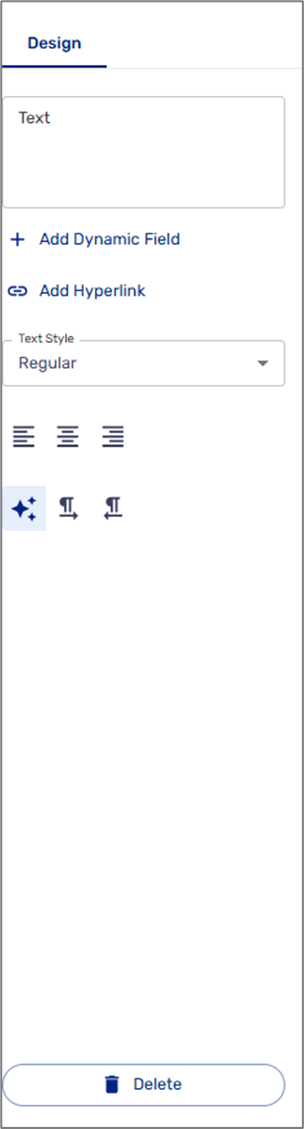
Figure 2: Static Text Design Properties
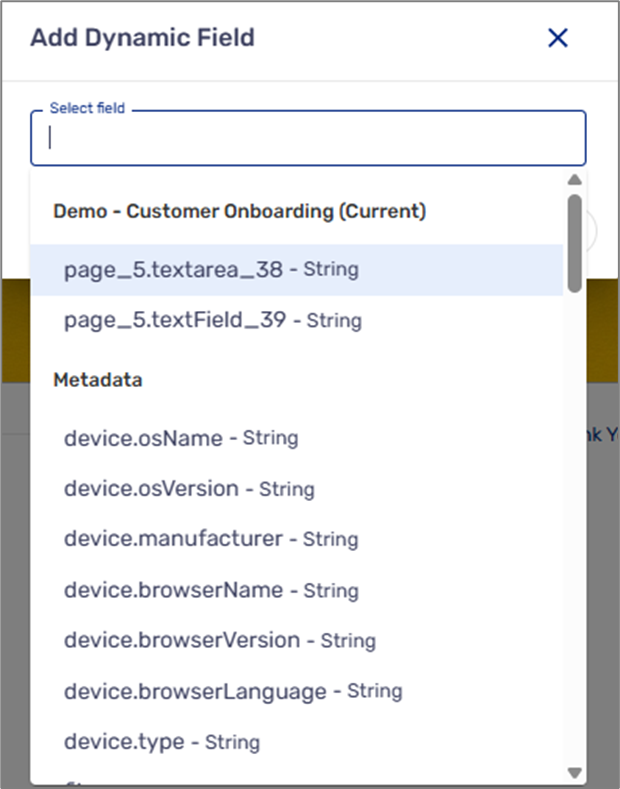
Figure 3: Add Dynamic Field
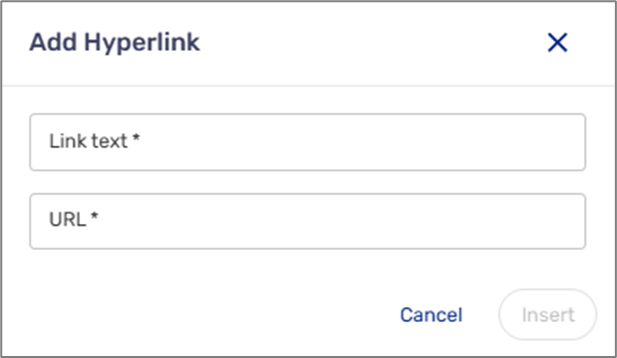
Figure 4: Add Hyperlink