Article Overview
The following article describes the Primary and Secondary Button components.
Primary and Secondary Button Components
These components allow end-users to perform different actions such as:
- Navigate forward
- Navigate back
- Submit the process
The action is defined through the Design properties section.
NOTE
The difference between the Primary and Secondary buttons is their design.
Figure 1 displays a Primary Button (1) and a Secondary Button (2).
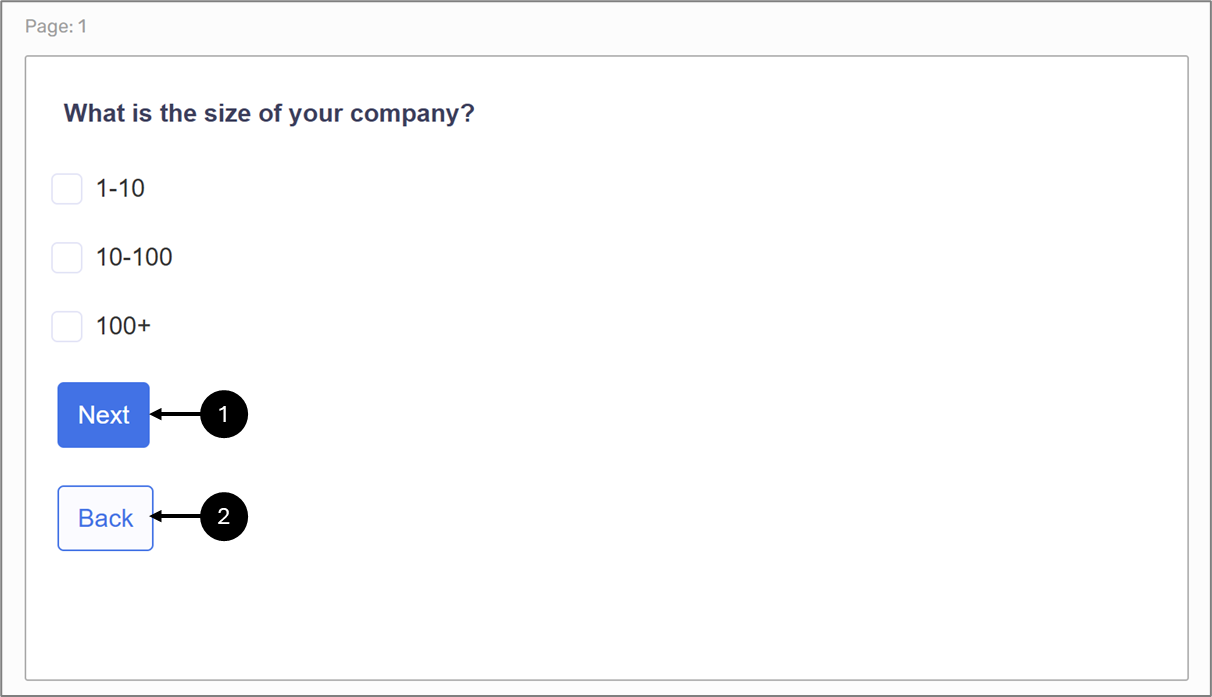
Figure 1: Primary Button and a Secondary Button